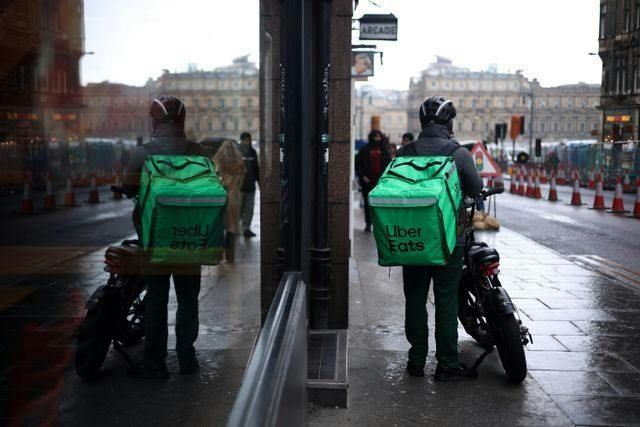
Uber Eats Group Order lets multiple people order from the same restaurant in a single shared delivery. One person starts the order and shares a link, allowing others to add their own items, customize meals, and see what everyone else is ordering in real time. Group Orders are ideal for small gatherings like family get togethers where coordinating food choices can be messy. Orders stay organized by person, and the host reviews and places the final order.
Make an Uber Eats Group Order with iPhone
- Open Uber Eats - Make sure your delivery address is set at the top.
- Choose a restaurant- Browse or search, then tap a restaurant. Make sure to add at least one item to your cart (this often unlocks Group Order).
- Start a Group Order - Tap the cart icon (bottom right). Then, tap Group order or Start group order.
- Create & share the invite - Tap Invite people and share the link via Messages, WhatsApp, email, Slack, etc.
- Set options (if shown)- Optional: set a cutoff time or spending limits.
- Guests add their food - Each person opens the link, adds items, and customizes their order. Items will appear in the cart labeled by person.
- Review & checkout - Review the full cart, delivery instructions, tip, and fees. Tap Checkout to place order.
Payment is usually handled by the host (split pay may appear in some regions).
Start an Uber Eats Group Order with Android
- Open Uber Eats - Confirm the delivery address at the top of the screen.
- Select a restaurant- Search or browse and then add at least one item to your cart.
- Enable Group Order - Tap the cart icon. Then, select Group order or Create group order.
- Invite Participants - Tap Invite to share the generated link.
- Optional Settings - If available, set order deadline, spending limits, and editing permissions
- Guests add items - Each person adds their food via the link. Names should appear next to items in the cart
- Checkout - Review the order, fees, tip, and delivery notes. Tap Checkout to place order.
Start an Uber Eats Group Order on web
- Go to ubereats.com - Log in and confirm your delivery address.
- Select a restaurant- Search or browse and then add at least one item to your cart.
- Enable Group Order - Click the cart (top right). Then, click Group order or Start group order.
- Share Group Link - Copy the invite link and send it via email, chat, etc
- Group add items - Guests open the link in their browser or app. Items show in the cart with each person’s name.
- Review and Place Order - Confirm items, delivery instructions, tip, and total. Click Checkout → Place order.
Helpful Tips for Uber Eats Group Orders
One of the most common complaints for Uber's Group Order product is that split-pay options can disappear depending on app version. Another big friction point is with invite links that open oddly, with looped login, or weird destinations. Hosts grumble about the editing rules while orderers can be confused if their order was actually confirmed.
So remember:
- One restaurant per group order
- Group Order may not appear until at least one item is added
- Split payments are region- and version-dependent. Always make sure to have the most recent version installed.
- If someone can’t add items, double-check for same delivery address, restaurant is still open, and the group order hasn’t been closed
And if you don't want the headache of an Uber Eats Group Order, check out Group Ordering from CaterCow – a foolproof way of streamlining your lunch program.
Uber Eats Group Order vs. CaterCow group ordering (Polling), side by side
| Feature | Uber Eats Group Order | CaterCow Group Ordering (Polling) |
|---|---|---|
| Best for | Casual meals from one local restaurant — friends, small teams, last-minute lunches. | Team lunches and office catering programs where everyone gets their own meal and you don’t get stuck sorting it out. |
| How it works | The host starts a group order and shares an invite link. Guests add items to a shared cart, then the host checks out. | You send a Polling link for a select menu, and each person picks their meal. Before you submit, add extras like drinks, desserts, or a few buffer meals. |
| Picking meals | Guests can add anything on the restaurant’s menu, customizations included. | Teammates choose from a short list of options set by the menu, so choices stay orderly. |
| Payment | Usually “you pay for everyone” or “guests pay for themselves.” Options can vary by market and account. | Typically paid by the organizer or the company account. Polling collects the choices; payment stays with you. |
| Budgets & limits | Business and large-group orders support spending limits. Guest-pay orders have their own caps, like split maximums. | You control the scope. Polling keeps people from over-ordering and helps you order the right amount. |
| Deadlines | The host can lock the order so guests can’t add or edit, often with an optional deadline. | Polling builds in a pick-by moment. Once people respond, you finalize and submit. |
| Changes after people pick | Edits can get limited once the order is locked or in progress. Scheduled and business group orders may restrict updates, especially when guests pay. | You can still adjust — add extra meals or drinks — before you submit the final order. |
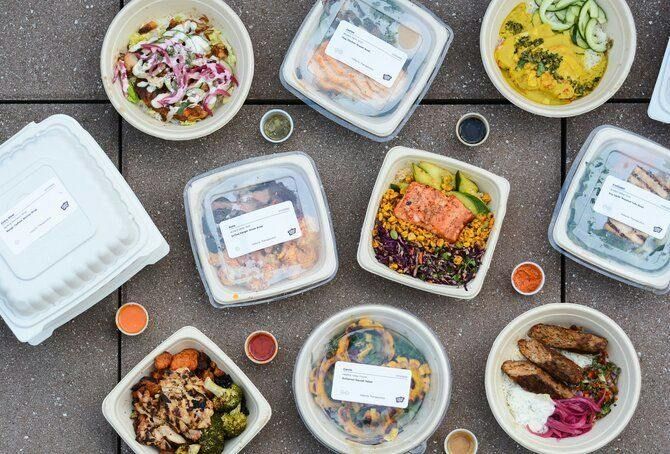
| Labels & handout | Varies by restaurant. Meals may or may not arrive labeled per person. | Individual meals arrive labeled, so handing them out is grab & go. |
| Multiple restaurants | One restaurant per group order. | Typically one restaurant per poll, which keeps delivery clean. Ongoing programs can rotate restaurants day to day. |
| Where things can break | Link or login trouble, address mismatches, items going unavailable, checkout errors, and edit limits once the order’s locked. | Polling only works with select menus, you’re waiting on people to respond, and headcounts change last minute. A few buffer meals cover that last one. |
| Support | A consumer delivery network. Support varies by market and restaurant. | Built for office catering: packaging, quantities, and coordination are the whole job. |